


Traders in Financial Futures (TFF) — Detailed
Asset Manager · Leveraged Funds · Dealer · Updated every Friday
The Traders in Financial Futures (TFF) format with all five buckets exposed — Dealer/Intermediary, Asset Manager/Institutional, Leveraged Funds, Other Reportables and Non-Reportables. Built for currency, treasury and equity-index futures where institutional positioning drives every regime.
The latest CFTC Commitments of Traders (COT) report (Traders in Financial Futures (TFF)) was released on Friday, 16 October 2026, reflecting futures positions as of the close of trading on Tuesday, 13 October 2026.
 EURO FX6E-CME
Premium Report
This report format is available exclusively for COT Premium subscribers.
- 9 premium report formats
- Heatmap
- Advanced Charts
- CSV export
- Price column
- 20+ years of data (since 2006, Legacy since 1986)
- Futures Only & Futures & Options Combined on every report and chart
Price column unlocked on every COT report table
Currently showing: EURO FX - CHICAGO MERCANTILE EXCHANGE | 26 reports | 21 Apr 2026 to 13 Oct 2026 · Variant: Futures & Options Combined
About the Detailed TFF COT Report
The Detailed TFF (Traders in Financial Futures) COT Report shows all 5 CFTC categories — Dealer/Intermediary, Asset Manager, Leveraged Funds, Other Reportables, Non-Reportables — side-by-side across financial futures: currencies, treasuries, equity indices, and crypto. Released every Friday at 3:30 PM ET, the Detailed view is built for analysts who track institutional vs hedge-fund positioning across the entire CFTC bucket structure for a single instrument.
- Source: U.S. Commodity Futures Trading Commission (CFTC)
- Release schedule: Every Friday, 3:30 PM ET (delayed on US federal holidays)
- Markets covered: Currencies, US treasuries, equity indices (S&P, Nasdaq), volatility (VIX), Bitcoin, Ether
- Trader categories: Dealer/Intermediary, Asset Manager, Leveraged Funds, Other Reportables, Non-Reportable
Frequently Asked Questions
What does the Detailed TFF COT Report show?
The Detailed view stacks all 5 TFF categories in one wide table. For each you see Longs, Shorts and Net Position, next to the report date and the market's close price. The 17-column layout lets you watch institutional Asset Managers, leveraged hedge funds, and intermediary Dealers move against each other on the same row.
How is the Detailed TFF view different from the Simplified one?
Simplified focuses on a single TFF category (typically Leveraged Funds — the speculative proxy) with richer per-row metrics. Detailed shows every category in the same row so structural shifts (e.g. Asset Manager rotation vs Leveraged Fund speculation) become obvious without flipping panels.
Why does the Detailed TFF table have so many columns?
Each of the 5 trader categories gets 3 columns (Longs, Shorts, Net Position), framed by the report Date and the market's Close Price — 17 columns in all. The format mirrors the Detailed Disaggregated layout for cross-format consistency.
How do I interpret Leveraged Funds vs Asset Managers in this view?
Leveraged Funds is the speculative bucket — hedge funds, CTAs, momentum traders. Asset Managers is the institutional bucket — pension funds, mutual funds, insurance. The Detailed view sits them next to each other so you can see when speculation and structural allocation diverge — a key signal for trend exhaustion.
Can I export the Detailed TFF table to CSV?
Yes — Premium subscribers can export every visible column directly from the toolbar. The CSV preserves Long, Short, and Net per category plus Open Interest, with Date as the first column for direct loading into Excel, Google Sheets, or Python.
How are weekly reports aggregated when I group them?
When you switch the Group Reports filter from Individual to Bi-Weekly, Monthly, Quarterly, Half-Year or Yearly, the underlying weekly CFTC reports are combined as follows. Snapshot columns (Long, Short, Spreading, Open Interest) are averaged across the period — a monthly row shows the average position across the 4-5 weeks that fall inside that month. Flow columns (Change Long, Change Short, Change OI) are summed, because they represent weekly deltas and the period total is the cumulative flow. NET % CHANGE uses an endpoint formula: it compares the net position in the last week of the period to the net position in the first week, expressed as a percentage. The small ×N chip on the DATE cell shows exactly how many weekly reports were aggregated into that row.
Explore All Report Formats
Unlock Every COT Report Format.
Every COT Report with Advanced Analytics
Go beyond the free Legacy reports: the Disaggregated, TFF and Supplemental formats, custom date ranges back to 1986, the Positioning Heatmap, Advanced Charts and CSV export.
REPORTS & HISTORY
- ✓Disaggregated — Managed Money & Swap Dealers
- ✓Traders in Financial Futures (TFF) — Leveraged Funds & Asset Managers
- ✓Supplemental — Commodity Index Traders
- ✓Simplified, Detailed & Latest views of all three
- ✓Custom date ranges, back to 1986
- ✓Both CFTC variants of every report, one click apart
DATA & TOOLS
- ✓Close Price column & CSV export
- ✓Every trader group's figures on the Positioning Heatmap
- ✓Advanced Charts & COT Volume Profile
- ✓Custom Weekly Summary & My Markets
- ✓Table screenshots (PNG) with no daily limit
- ✓The complete How to Read the Simplified COT Report guide (3-month and annual plans)
The 3-month and 1-year plans include the How to Read the Simplified COT Report guide free.


 Any Prop Firm.
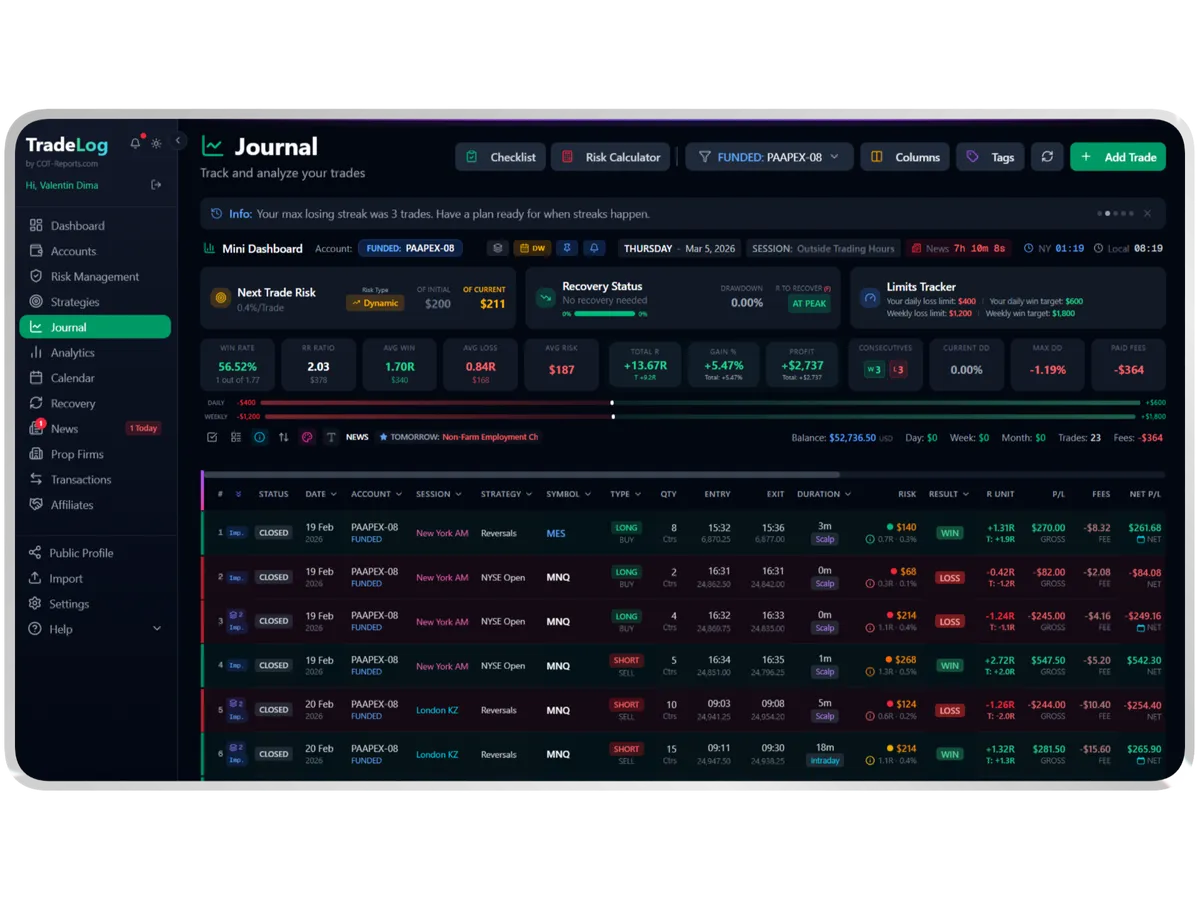
Automated Trading Journal
Auto-sync trades from MetaTrader, NinjaTrader, cTrader, Tradovate and more. Built-in analytics, prop-firm tracking, risk management and multi-account support. Basic and Premium include free EAs, a free cBot and a free NT Add-On.










COT-Reports Marketplace
Traders build it. Traders use it.
Probably the best trading tools, made by traders for the COT-Reports community. Buy what you need, or list what you built.
 COT-Reports.com
Every Friday, 35 markets land in Telegram. FREE.
The COT Report Simplified for each market in the map, plus the Weekly Summary, minutes after the CFTC publishes. Between Fridays, the bot sends any of them on request and keeps a free trading journal.