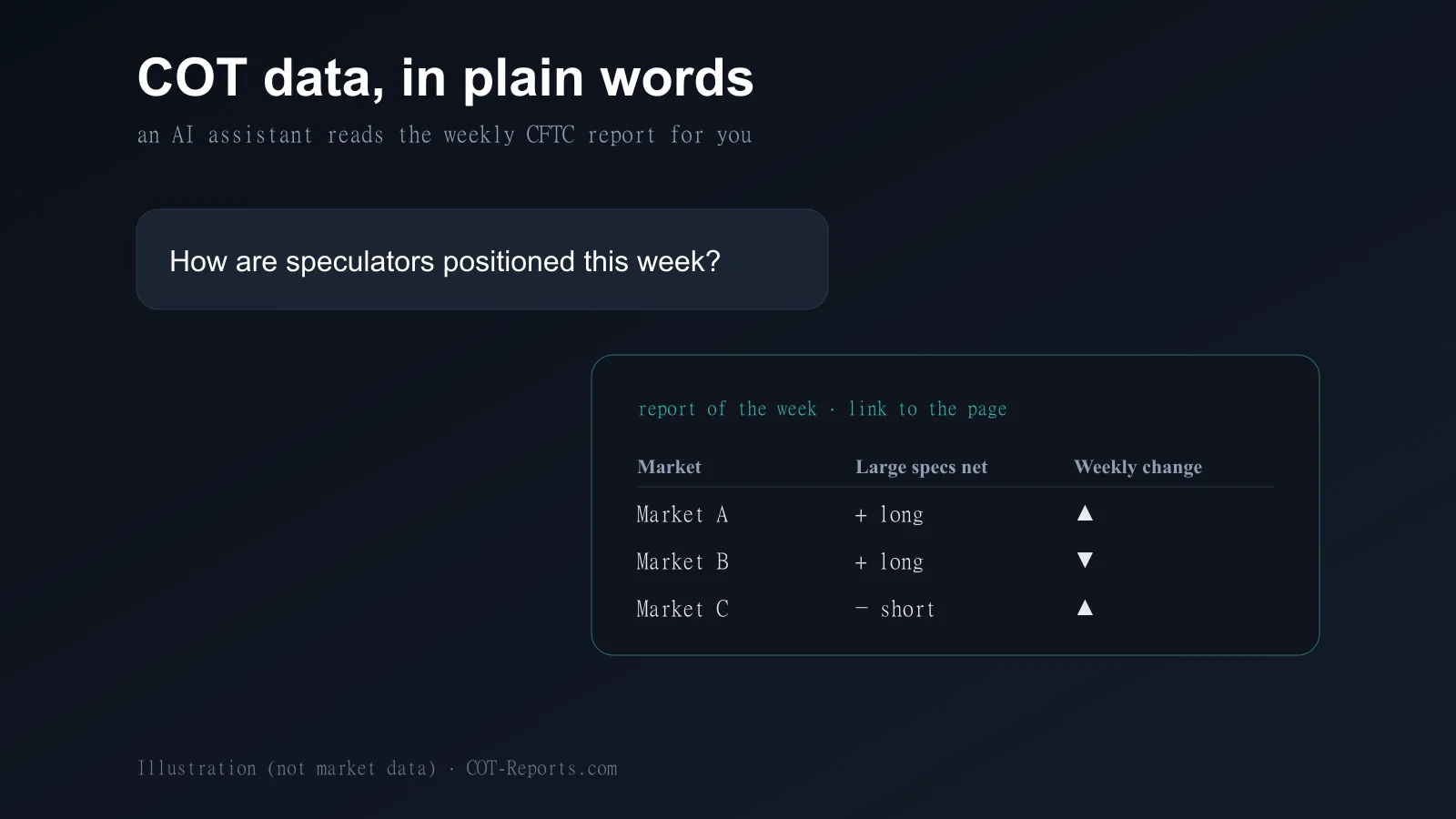
You can now ask an AI assistant about the Commitments of Traders report in plain words — “how are speculators positioned in gold this week?” — and get an answer built from the weekly CFTC data, with the report date and a link to the matching COT-Reports.com page.
This works through the COT-Reports MCP server. This article explains what MCP is, which apps can connect, what you get without an account, with a free account and with COT Premium, and what the assistant can look up.
What MCP is
MCP — the Model Context Protocol — is an open standard that lets an AI assistant call outside tools while it answers. An app that supports it can be pointed at a server; from then on the assistant decides by itself when to call that server’s tools.
The COT-Reports MCP server lives at https://mcp.cot-reports.com. You add that address to your AI app once; nothing else to install for the apps that connect over the web.
Which apps can connect
Any app that supports remote MCP servers can connect and use the data without an account. Signing in to COT-Reports — for more history and for Premium — works today from Claude, ChatGPT, Claude Code, Cursor, VS Code and Gemini CLI. The Gemini app connects without an account: signing in from Gemini is not available yet, so it gets the no-account level.
The apps set their own conditions: according to the setup guide, ChatGPT needs a paid ChatGPT plan for custom MCP servers, Claude allows custom connectors on every plan (one on the Free plan), and custom apps in Gemini need, as of October 2026, a personal Google Account in the US, in English. The setup guide has the exact steps for each app.
Free, free account, Premium
Without an account, the assistant reads the Legacy report — the last 26 weekly reports of every market, each report’s default version, and the COT Index over 26 or 52 weeks. With a free COT-Reports account, it reaches 10 years of Legacy history and every COT Index lookback.
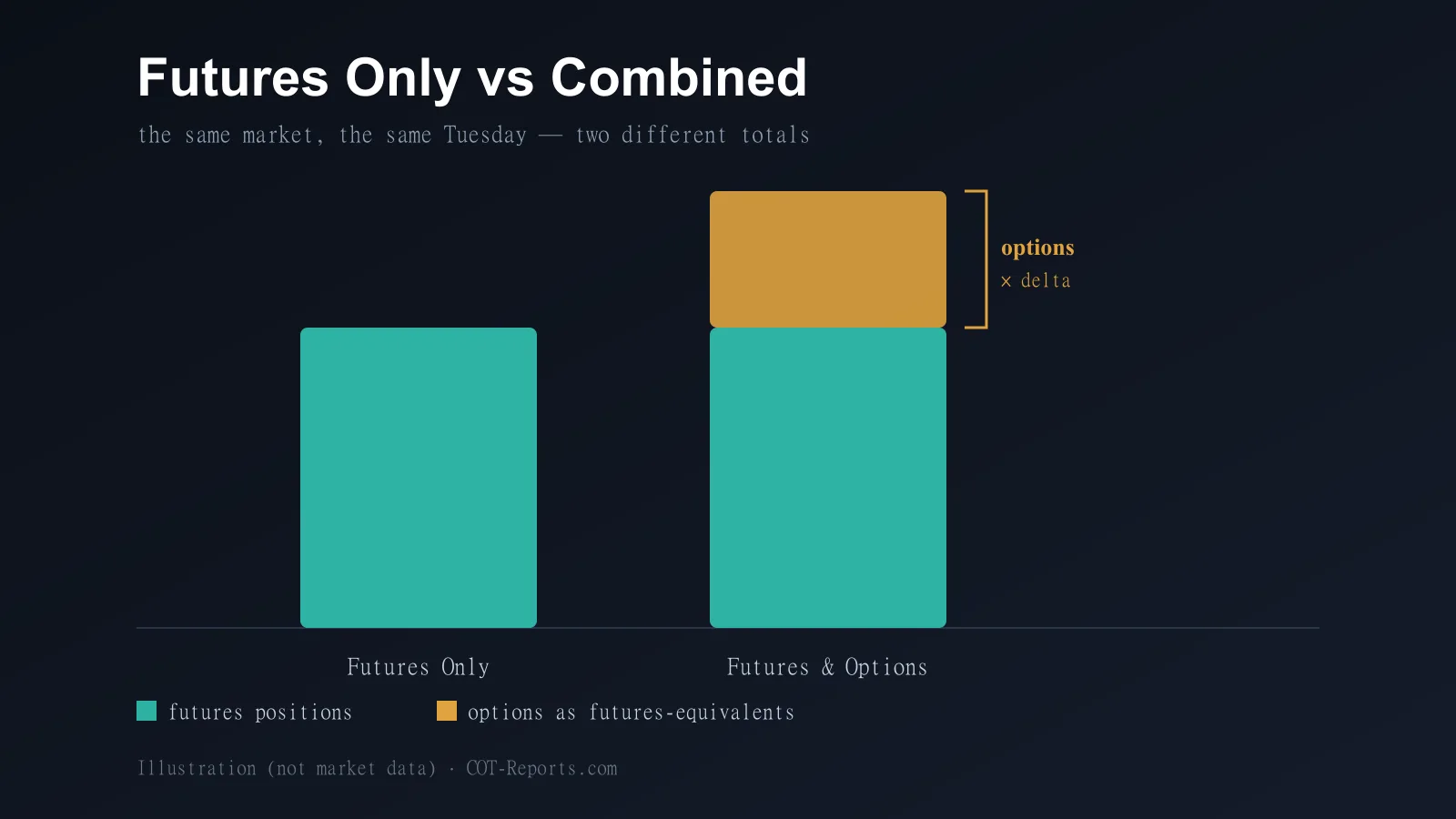
With COT Premium it gets the full history, all four report families (Legacy, Disaggregated, TFF and Supplemental), both CFTC versions — Futures Only and Futures & Options Combined — the scan for positioning extremes and close prices next to the positions. A COT Data API key works too, as a header, with its own plan (without the extremes scan and close prices). Fair-use limits apply; the setup guide lists them.
What the assistant can look up
The server gives the assistant nine read-only tools: find a market (list_markets), the latest positions of one market (get_latest_positions), a snapshot of every market in the latest report (get_latest_snapshot), the weekly history (get_history), the COT Index (get_cot_index), the main markets of the week (get_weekly_summary), the release schedule (get_release_schedule), short explanations of COT concepts (explain_cot) and, with Premium, the markets where speculators are most crowded (scan_extremes).
Questions that work well: “What is the net position of large speculators in crude oil, and how did it change this week?”, “Show me the COT Index of the euro over three years” (free account), “Which markets have speculators most crowded long?” (Premium), or “When is the next COT report released?”.
The same data as the site
The assistant reads exactly the data the site shows: the same weekly CFTC reports, from the same database, through the same code, and only the reports already published on the site. Every answer with data names its report date and links to the page where you can check it.
For your own code, the same data is available through the COT Data API, with the same report families and versions.
Disconnect at any time
Every app you connect with your account is listed on your account page, under the AI apps section. Disconnect removes its access at once: the app’s very next request is refused.
COT-Reports.com is not affiliated with Anthropic, OpenAI, Anysphere, Microsoft or Google; their product names are used only to say which apps can connect. The answers are information about positioning, not trading advice.
Sources
- Model Context Protocol — the open standard (introduction) (opens in a new tab)
- CFTC — Commitments of Traders reports (the data the server serves) (opens in a new tab)
COT-Reports.com is not affiliated with Anthropic, OpenAI, Anysphere, Microsoft or Google.